The Best AI Meeting Note Takers of 2026
- type
- Best Of
- published
- reading
- 3 min
- by
- BVR Editorial Team
- method
- how we evaluate ↗
Five apps, five different ideas of what a meeting assistant should be. Pick by how you work — bot or no bot, solo or team, one language or many.
links to retailers may earn us a commission. it never changes a verdict. disclosure →
Granola if you hate bots. Fathom if you want free. Fireflies for teams.
Granola records your computer's audio without joining the call and polishes the notes you type. Fathom gives you unlimited free recordings and summaries. Fireflies has the strongest team and analytics features.
- 01
 best overall
Granola
No bot in the call, works on any meeting platform, and turns your rough notes into clean ones.
Free–$35/user/mocheck price - 02
 Free–$34/user/mocheck price
 - 03
 Free–$39/mocheck price
contents (9)
How to choose an AI meeting note taker
Three questions narrow the field fast:
- Bot or no bot? Meeting bots (Fathom, Fireflies, Otter, Notta) join the call as a participant. Bot-free tools (Granola, and the desktop apps from Otter and Fireflies) record your computer’s audio instead. Bots are easier to set and forget; bot-free is less awkward with clients.
- Just you, or a team? Solo users care about the free plan and the daily experience. Teams care about admin, analytics and CRM sync.
- Which languages? Coverage ranges from six languages (Otter) to more than a hundred (Fireflies, in beta).
The quick comparison
| spec | granolaGranola | fathomFathom | firefliesFireflies.ai | otterOtter.ai | nottaNotta |
|---|---|---|---|---|---|
| online meetings | ▲Any platform, no bot (desktop) | Bot for Zoom, Meet, Teams; bot-free on Mac | Bot for Zoom, Meet, Teams, Webex; bot-free desktop app | Bot joins Zoom, Meet, Teams; bot-free desktop app | Bot joins Zoom, Teams, Meet, Webex, Slack |
| free tier | No stated meeting cap, 30-day history | ▲Unlimited recordings, transcripts & summaries | Unlimited transcription, 400 min storage | 300 min / month, 30 min per conversation | 120 min/mo, 3 min per recording |
| paid plan from | $14/user/mo (Business) | $16/mo (Premium, billed yearly) | $10/mo (Pro, billed yearly) | $8.33/mo (Pro, billed yearly) | $8.17/mo (Pro, billed yearly) |
| languages | 31 desktop · 17 mobile | 38 | ▲English + 100+ in beta | 6 (German & Chinese in beta) | 58 |
| ai summaries | Enhances your notes, templates, AI chat | Action items, custom summaries, AI assistant | Yes (AI credits per plan) | Yes + AI chat | AI summaries, Notta Brain |
| security & compliance | SOC 2 Type 2, GDPR; HIPAA on Enterprise | SOC 2 Type II, GDPR, HIPAA (BAA on Enterprise) | SOC 2 Type II, GDPR, ISO 42001; HIPAA BAA on Enterprise | SOC 2 Type II, AES-256; HIPAA (Enterprise add-on) | SOC 2 Type II, GDPR, AES-256 |
Best overall: Granola
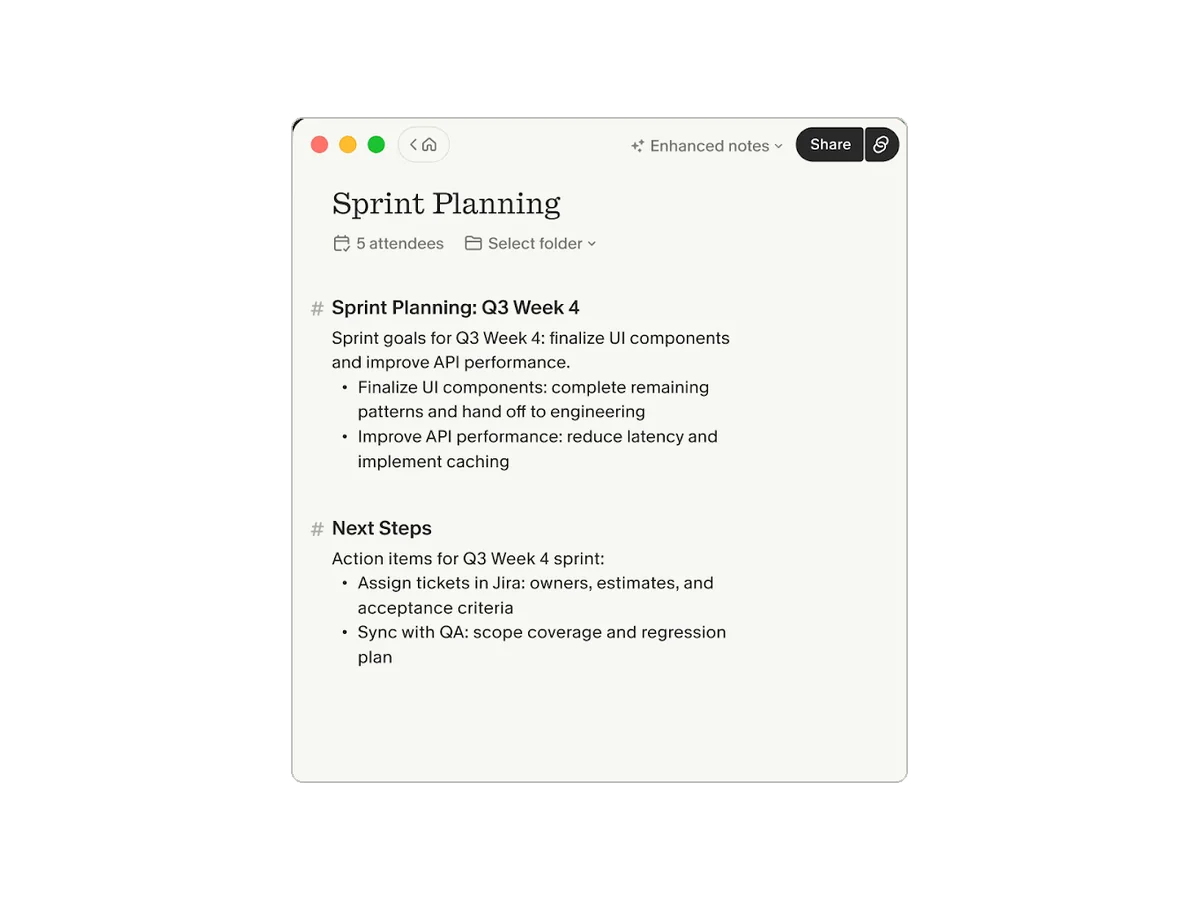
Granola works differently from everything else here. There’s no bot: on Mac or Windows it records your system audio and microphone, so it works with Zoom, Meet, Teams or anything else, and no one sees a stranger join the call. You type rough notes as usual, and afterwards Granola rewrites them into a clean summary using the transcript — your notes stay at the center rather than a generic AI recap.
It supports 31 languages on desktop (17 on mobile), lets you chat across past meetings, and integrates with Slack, Notion, HubSpot and Zapier. Granola says audio is deleted after transcription. The free plan keeps 30 days of history; Business is $14 per user per month.
- No bot — works on any platform
- Builds on your own notes
- Audio deleted after transcription
- SOC 2 Type 2
- Free history is only 30 days
- Trains on anonymized data unless you opt out
- Phone calls only on iOS, outbound
Best free: Fathom
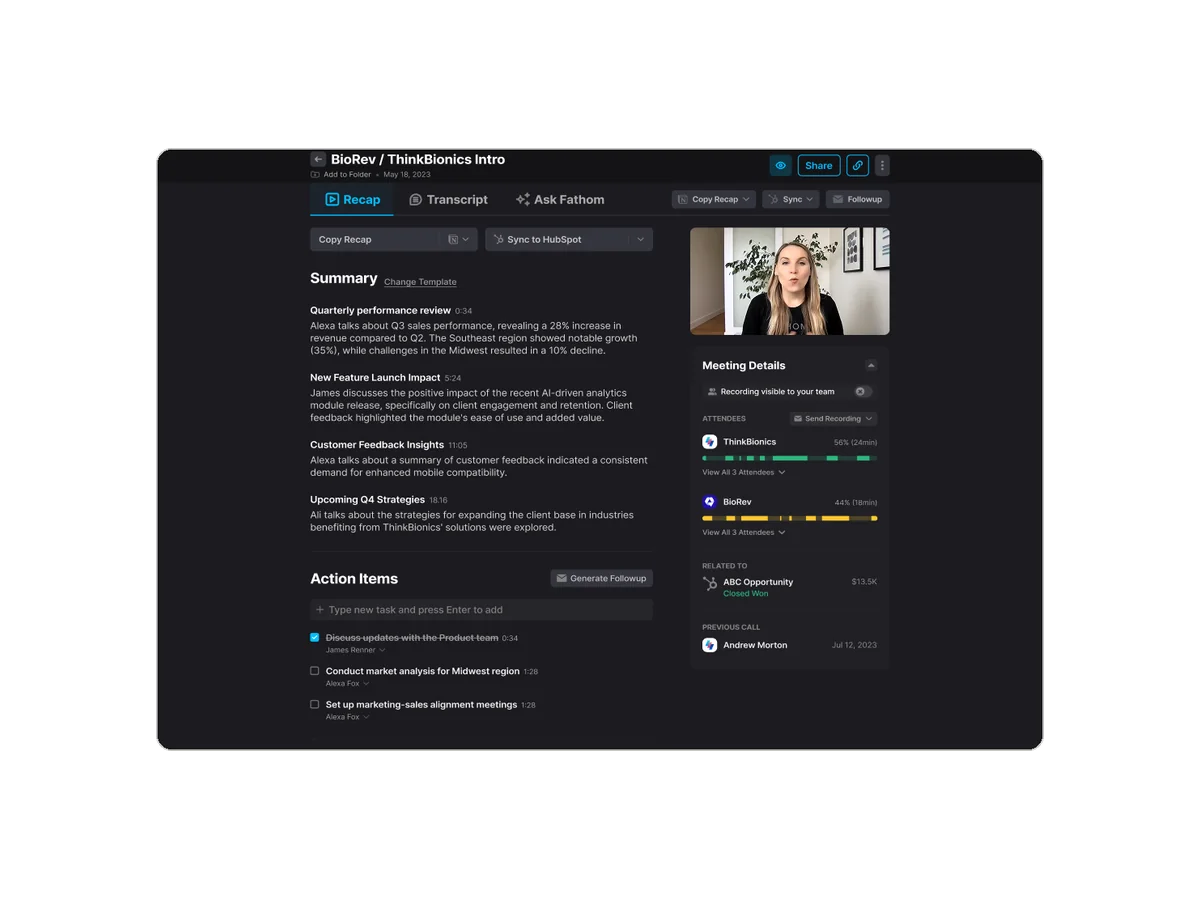
Fathom’s free plan is unusually generous: unlimited recordings, transcripts and AI summaries. Its bot joins Zoom, Google Meet and Teams (bot-free capture is Mac-only for now), and it transcribes 38 languages. Paid tiers focus on sales and customer-success teams, with CRM field sync to Salesforce and HubSpot, deal views and scorecards. Premium is $16/month billed yearly.
- Unlimited free recordings and summaries
- CRM sync on paid tiers
- SOC 2 Type II, HIPAA BAA on Enterprise
- No phone calls, Linux or Chromebook
- Bot-free mode is Mac-only
- May use de-identified data unless you opt out
Best for teams: Fireflies.ai
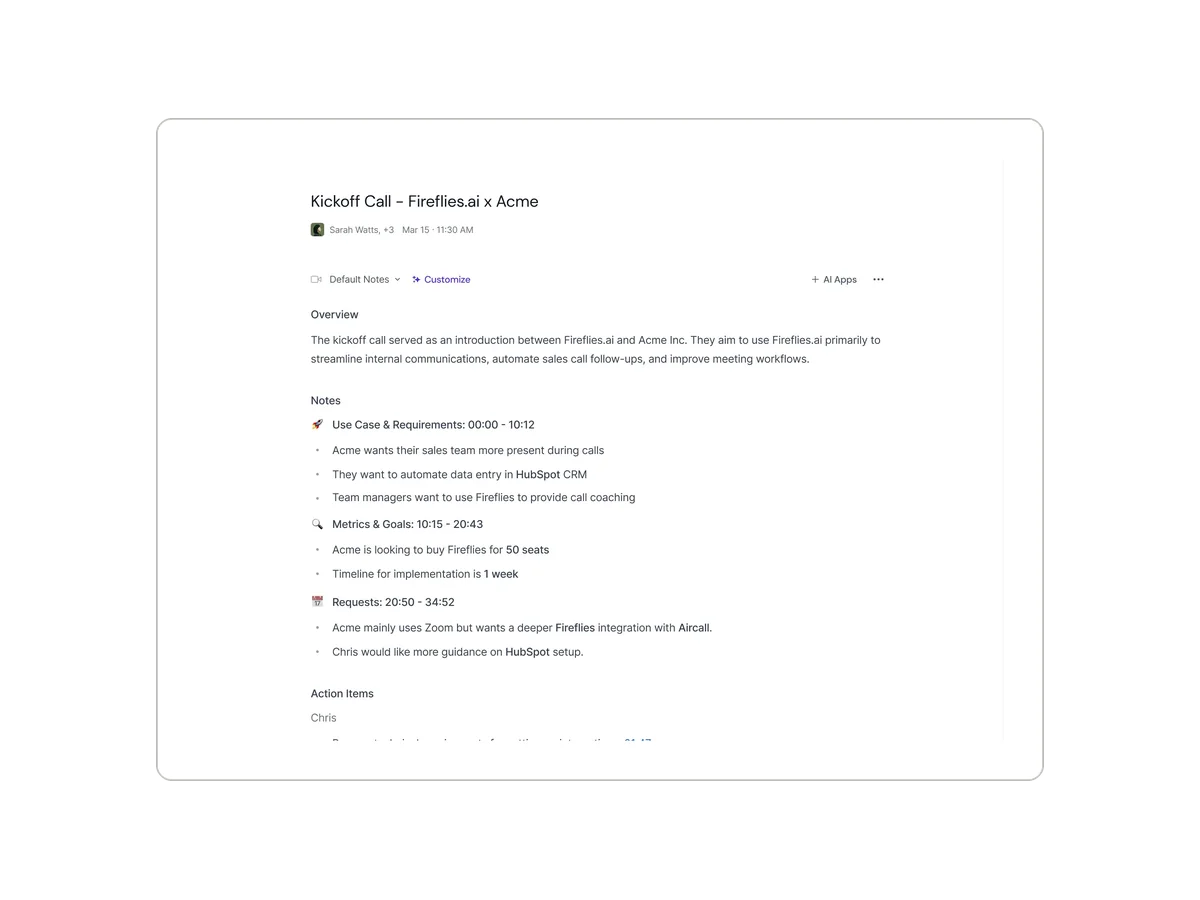
Fireflies includes unlimited transcription on every plan, limiting storage and AI credits instead. Beyond summaries, it offers topic trackers, sentiment and talk-time analytics, and the AskFred assistant — the kind of features managers use across many calls. It joins Zoom, Meet, Teams and Webex, and also has a bot-free desktop app. Pro is $10 per seat per month billed yearly; Business is $19.
- Unlimited transcription on all plans
- Conversation analytics
- SOC 2 Type II, GDPR, ISO 42001
- Most languages still in beta
- AI credits are limited
- HIPAA only on Enterprise
Best live transcript: Otter.ai
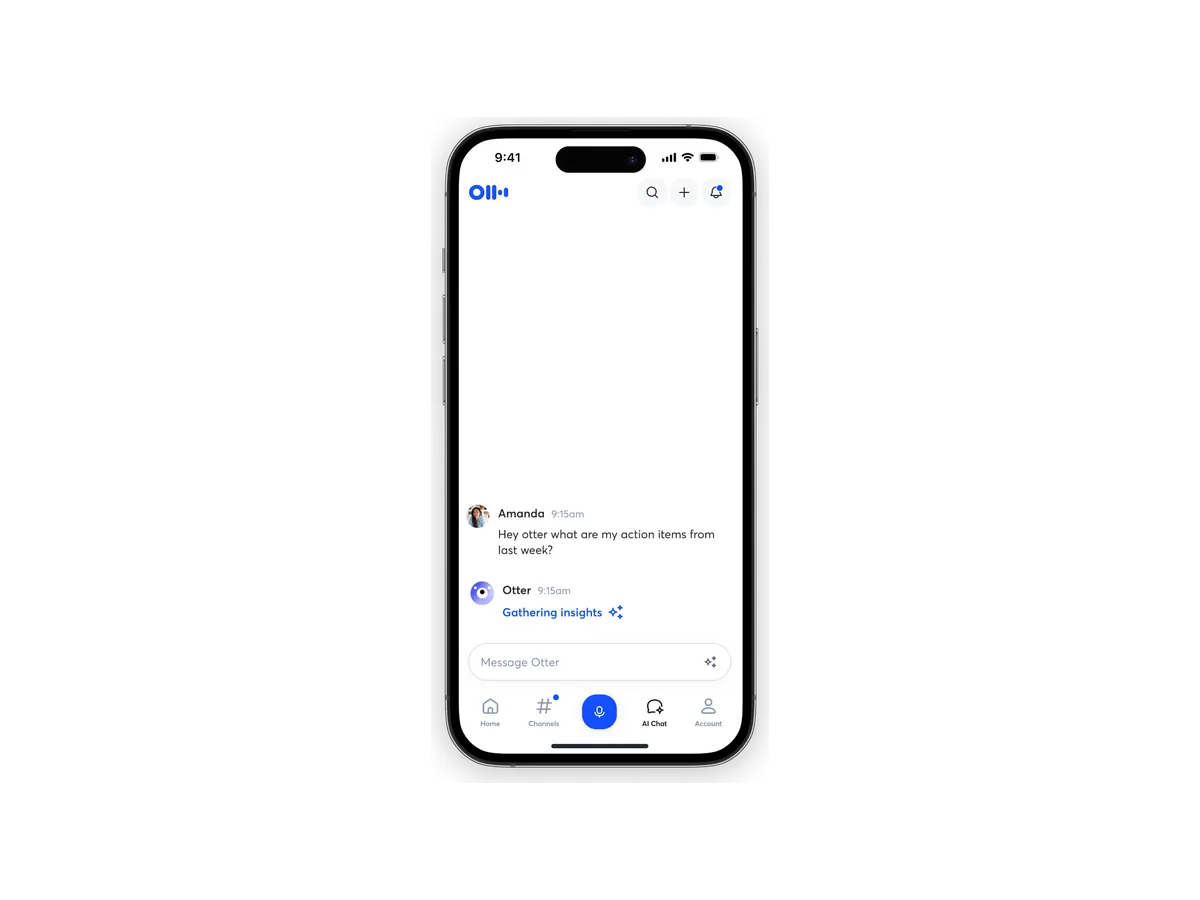
Otter is still the best at the live experience: you can follow the transcript as people speak, then ask its AI chat questions across your meeting history. You can use the OtterPilot bot or the bot-free desktop app. The free plan’s 30-minute cap per conversation is the main frustration; Pro ($8.33/month billed yearly) raises it to 90 minutes. If that’s a dealbreaker, see our Otter alternatives.
Best value for multilingual teams: Notta
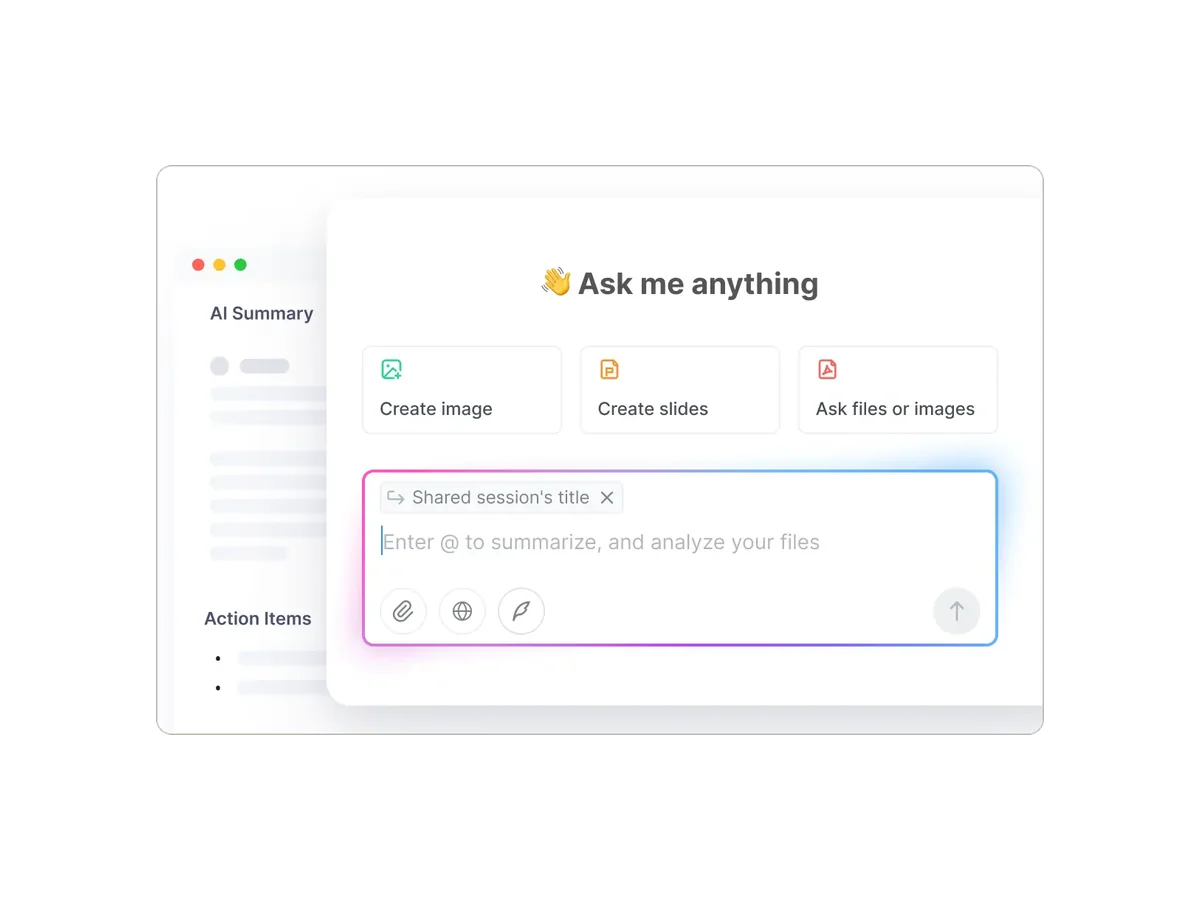
Notta transcribes 58 languages with built-in translation, and its Pro plan is one of the cheapest here at $8.17/month billed yearly for 1,800 minutes. The free plan is mostly a trial — recordings are capped at three minutes. Notta also makes a hardware recorder, Notta Memo, for in-person conversations and calls.
What none of them do well
Every app here depends on a laptop or a phone. They’re excellent for video calls, but in a conference room, a lecture hall or on a regular phone call, you’re leaving your phone on the table and hoping for the best. If that’s a big part of your week, pair one of these with a dedicated recorder — see our best AI voice recorders.
Questions
q.01What's the difference between a meeting bot and a bot-free note taker?
A meeting bot joins your Zoom, Meet or Teams call as a visible participant and records from there. A bot-free note taker, like Granola or the desktop apps from Otter and Fireflies, records your computer's audio instead, so nobody sees an extra participant.
q.02Which AI note taker is completely free?
Fathom's free plan includes unlimited recordings, transcripts and AI summaries. Granola's free Basic plan has no stated meeting cap but keeps only 30 days of history. Otter's free plan includes 300 minutes a month with a 30-minute cap per conversation.
q.03Which AI note taker supports the most languages?
Fireflies lists English plus 100+ languages in beta. Notta transcribes 58 languages, Fathom 38 and Granola 31 on desktop. Otter supports six.
q.04Can these apps record in-person meetings?
Granola, Otter, Fireflies and Notta all have mobile apps that record in person through your phone's microphone; Fathom's iOS app does too. For long in-person sessions or phone calls, a dedicated recorder is usually more reliable.
- First published. All plans checked against each vendor's official pricing and help pages.
sources
- granola.ai/pricing
- granola.ai/security
- docs.granola.ai/help-center/customising-granola/multi-language
- fathom.ai/pricing
- help.fathom.video/en/articles/296576
- help.fathom.video/en/articles/296192
- fireflies.ai/blog/fireflies-pricing-which-plan-is-right-for-you
- guide.fireflies.ai/articles/2631950139-learn-about-transcription-credits-storage-and-rate-limits-for-meetings
- fireflies.ai/security
- otter.ai/pricing
- otter.ai/apps
- otter.ai/privacy-security
- businesswire.com/news/home/20250710027730/en/Otter.ai-Achieves-HIPAA-Compliance
- notta.ai/en/pricing
- notta.ai/en/landing-page/meeting-notes
- notta.ai/en/security
specs and prices above were checked against these pages on 2026-10-29.
BVR Editorial Team. We compare recorders and AI note takers using makers' official spec sheets and pricing pages, cross-checked against independent reviews. Spotted something out of date? Tell us.