Granola vs Otter.ai: Bot-Free Notepad or Live Transcript?
- type
- Comparison
- published
- reading
- 3 min
- by
- BVR Editorial Team
- method
- how we evaluate ↗
Otter gives you a live transcript and an AI that remembers every meeting. Granola stays out of the call and makes your own notes better. Which you want says a lot about how you take notes.
links to retailers may earn us a commission. it never changes a verdict. disclosure →
Granola if you take your own notes. Otter if you want the transcript to do it.
Granola is the better notepad and never joins a call. Otter is the better transcription tool, with live captions and a cheaper paid plan for heavy users.
- 01
 Free–$35/user/mocheck price
 - 02
 best for transcripts
Otter.ai
Live transcript you can follow, plus AI chat across your meeting history.
Free–$30/mocheck price
contents (7)
Two different ideas of meeting notes
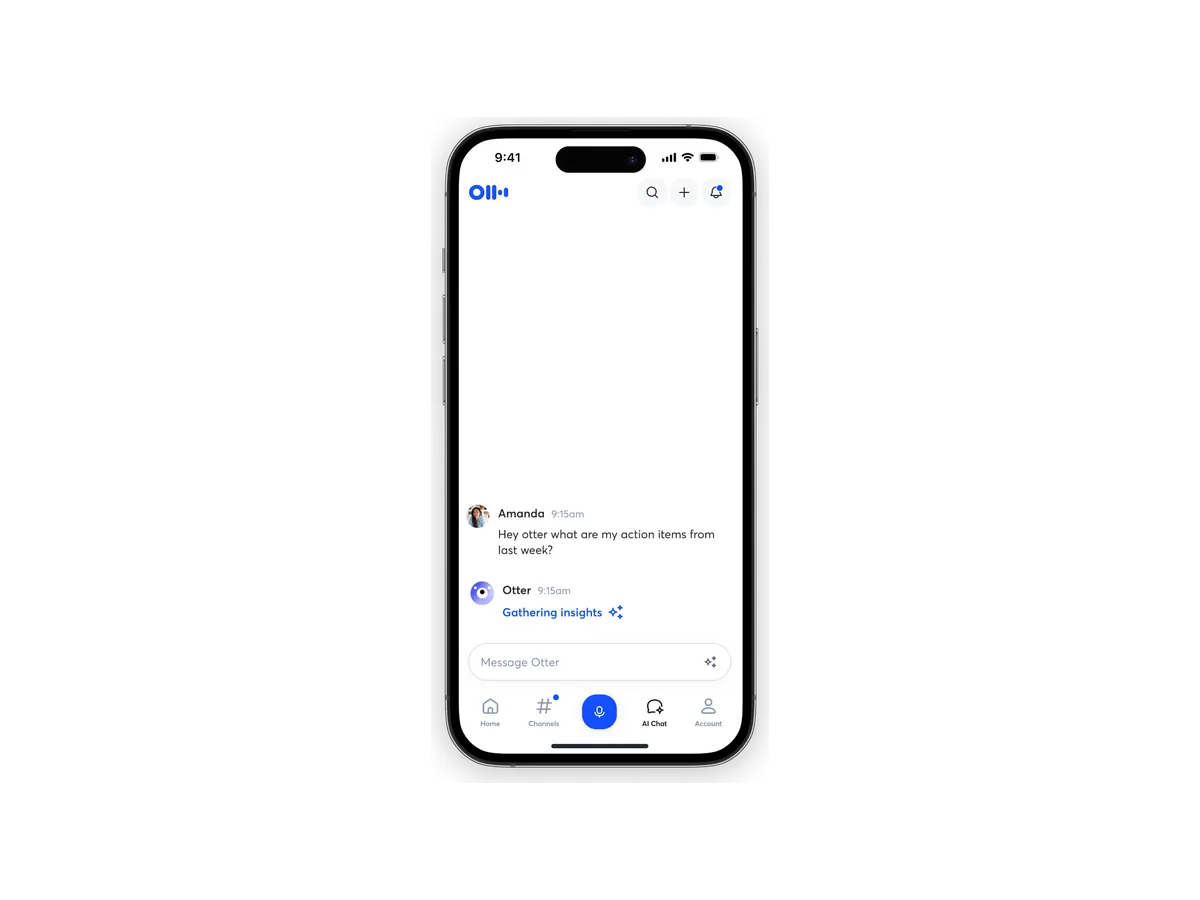
Otter is transcript-first. It captures every word, shows it live, and lets AI summarize and answer questions about it afterwards.
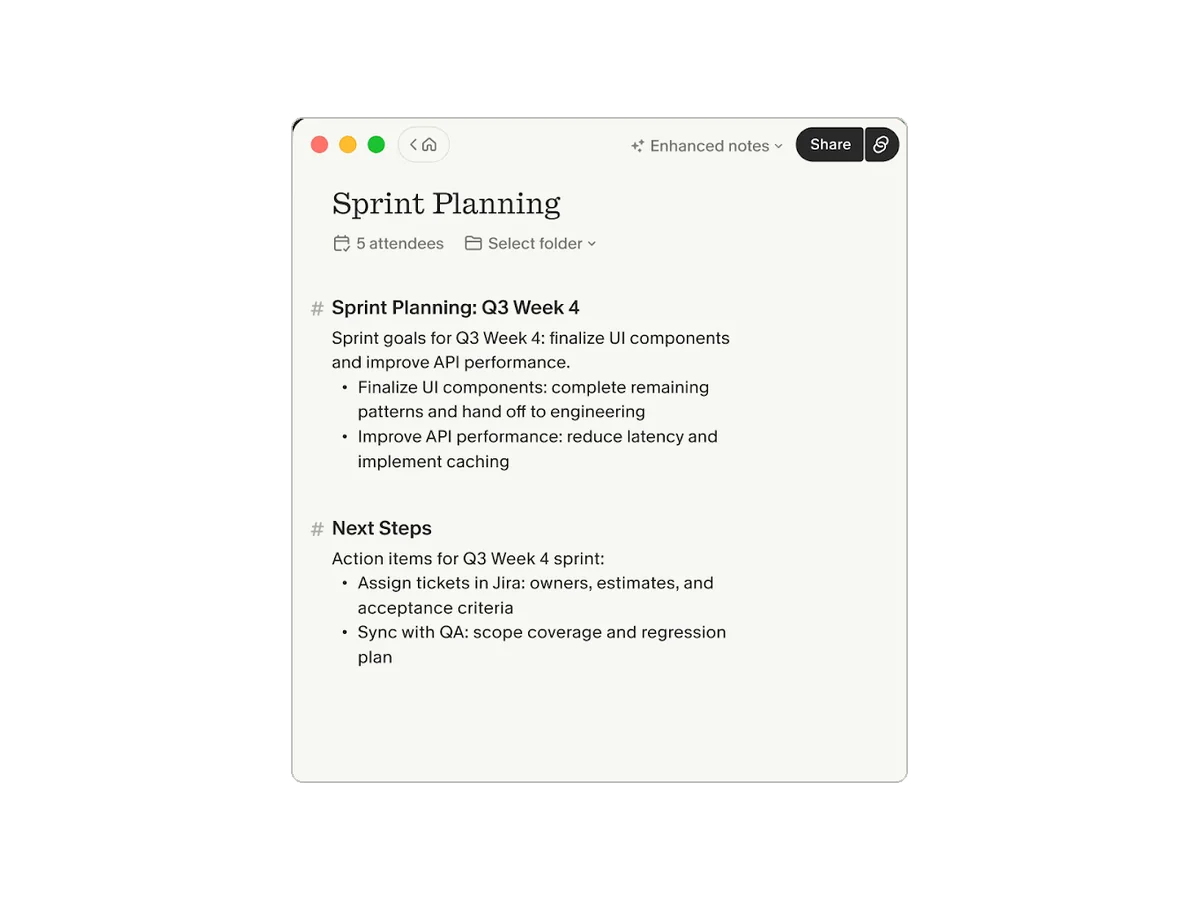
Granola is notes-first. You jot down what matters during the meeting; Granola listens in the background and afterwards turns your rough notes into a clean write-up, filling gaps from the transcript.
Side by side
| spec | granolaGranola | otterOtter.ai |
|---|---|---|
| online meetings | ▲Any platform, no bot (desktop) | Bot joins Zoom, Meet, Teams; bot-free desktop app |
| phone-call recording | iOS outbound calls only | No native call capture |
| languages | ▲31 desktop · 17 mobile | 6 (German & Chinese in beta) |
| free tier | No stated meeting cap, 30-day history | 300 min / month, 30 min per conversation |
| paid plan from | $14/user/mo (Business) | ▲$8.33/mo (Pro, billed yearly) |
| ai summaries | Enhances your notes, templates, AI chat | Yes + AI chat |
| connectivity | Mac, Windows, iOS, Android, Apple Watch | Web, Mac, Windows, iOS, Android |
| security & compliance | SOC 2 Type 2, GDPR; HIPAA on Enterprise | SOC 2 Type II, AES-256; HIPAA (Enterprise add-on) |
Capture: bot vs no bot
Granola never joins a call — it records system audio on your Mac or Windows PC, so it works with Zoom, Meet, Teams or anything else, and clients don’t see an AI participant. Otter gives you a choice: OtterPilot can auto-join meetings from your calendar (handy if you can’t attend), or its desktop app records without a bot.
On phones, both record in person through the microphone. Granola can also capture outbound calls on iOS.
Free plans and pricing
Otter’s free plan includes 300 minutes a month but caps each conversation at 30 minutes. Granola’s free plan has no stated meeting cap, but only keeps the last 30 days. For paid use, Otter Pro is $8.33/month billed yearly (1,200 minutes); Granola Business is $14 per user per month with unlimited history.
Privacy
Both are SOC 2 Type 2. Granola deletes audio after transcription and trains on anonymized data unless you opt out (off by default on Enterprise). Otter encrypts recordings with AES-256 and says it trains its own models on de-identified data. Both offer HIPAA only on Enterprise.
- Never joins the call
- Summaries built on your notes
- 31 languages on desktop
- Audio deleted after transcription
- 30-day history on free
- Pricier paid plan
- No bot to attend meetings for you
- Live transcript
- Bot can attend for you
- AI chat across all meetings
- Cheap Pro plan
- 30-minute cap on free conversations
- Six languages
- Trains on de-identified data
Our verdict
If you already take notes in meetings, Granola will feel like a superpower — and nobody will know it’s there. If you’d rather not take notes at all, or want a bot to cover meetings you can’t attend, Otter is the better fit. Not convinced by either? See our Granola alternatives and Otter alternatives.
Questions
q.01Does Granola join meetings as a bot?
No. Granola records your computer's system audio and microphone on Mac and Windows, so nothing joins the call. Otter offers both a bot (OtterPilot) and a bot-free desktop app.
q.02Is Granola or Otter cheaper?
Otter Pro is $8.33/month billed yearly for 1,200 minutes. Granola Business is $14 per user per month. Granola's free plan has no stated meeting cap but keeps only 30 days of history; Otter's free plan has 300 minutes a month with a 30-minute cap per conversation.
q.03Which supports more languages?
Granola supports 31 languages on desktop and 17 on mobile. Otter supports six, with German and Chinese in beta.
q.04Does either store my audio?
Granola says audio is deleted after transcription. Otter stores recordings in your account, encrypted with AES-256.
- First published.
sources
- granola.ai/pricing
- granola.ai/security
- docs.granola.ai/help-center/customising-granola/multi-language
- otter.ai/pricing
- otter.ai/apps
- otter.ai/privacy-security
- businesswire.com/news/home/20250710027730/en/Otter.ai-Achieves-HIPAA-Compliance
specs and prices above were checked against these pages on 2026-10-29.
BVR Editorial Team. We compare recorders and AI note takers using makers' official spec sheets and pricing pages, cross-checked against independent reviews. Spotted something out of date? Tell us.